ProdA1 Film Studios prompt pack By@awansauce RollA002 Runtime0:34 LocMarina Bay, SG

Stallion to Ferrari

I touched the badge on a Ferrari at Marina Bay Sands, a black stallion broke out of it, and I chased it off the roof until it turned into the car mid-air. Here is how I set up my avatar, the reference images and every shot prompt, so you can make your own version. Every shot was generated with Seedance 2.5 in TopView.

How to use

  1. Step 1: dress up one photo of you in TopView and turn it into your avatar.
  2. Step 2: save the five reference images, or swap in your own.
  3. Step 3: for each shot, add your avatar and the listed images as Omni References, type @ wherever the prompt says [tag … here] and pick the match, then generate. Expect 2 to 4 runs per shot; every run is a different take.
The finished filmTap for sound

Step 1. Your avatar

TopView builds an avatar of you from a single image. That avatar is your Omni Reference in every shot you're in.

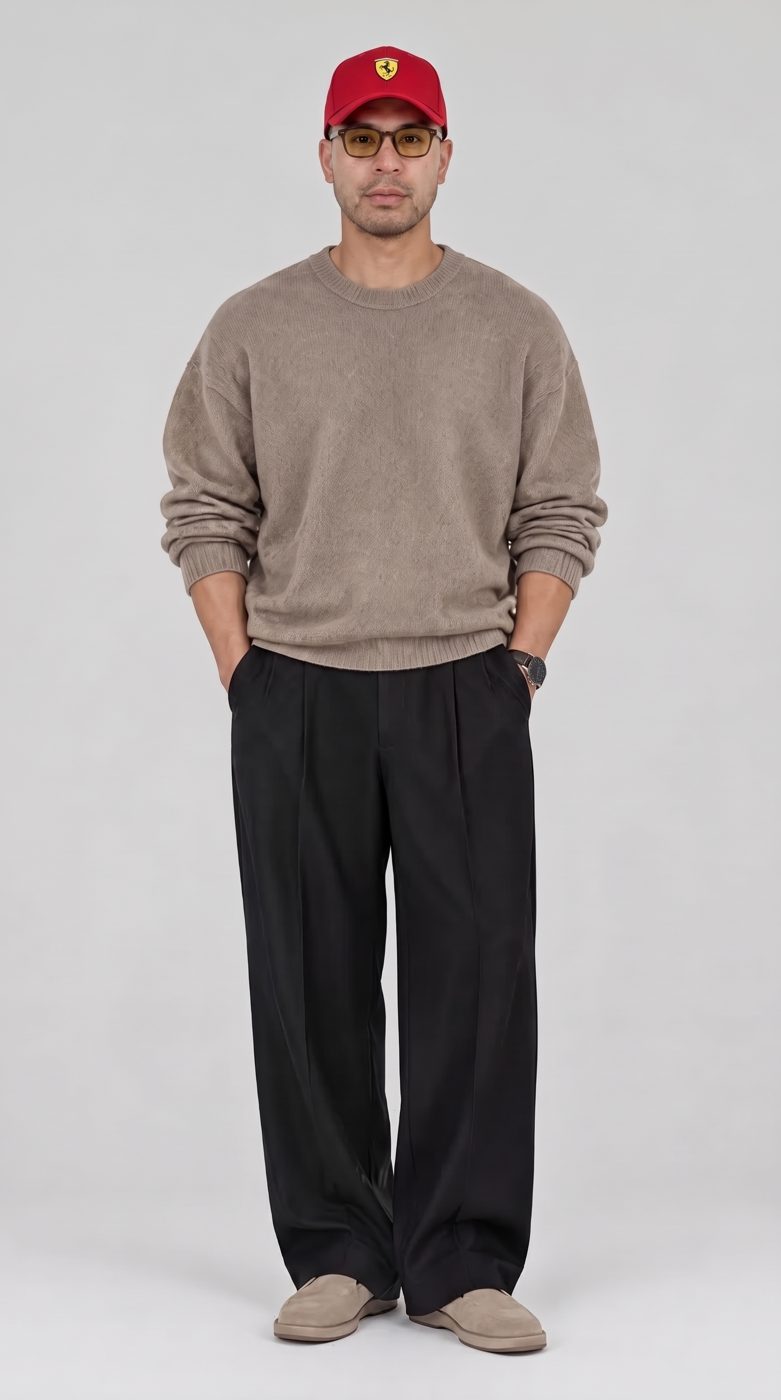
Alan's avatar: taupe sweater, black wide-leg trousers, red cap and amber glassesAVATAR

How I made mine

You don't need a perfect photo of yourself already in the outfit. I started from a plain full-body photo, then gave TopView instructions to dress it: the red cap and the amber glasses. That edited image became my avatar.
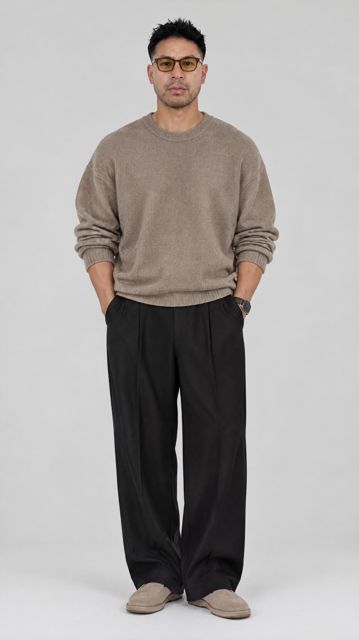
The plain starting photo

Start

A plain full-body photo. Sharp, evenly lit, face clearly visible.

  • Open TopView's image generator and upload your full-body photo
  • Type @ where the prompt says [tag your photo here] and pick it
  • Describe your outfit, or swap in the one you want for the chase
  • Create your avatar from the result, then add it as an Omni Reference in every shot you're in


Step 2. Reference images

The car, the place, the horse, the route and the race kit. Add them as Omni References like normal.

Step 3. Shots